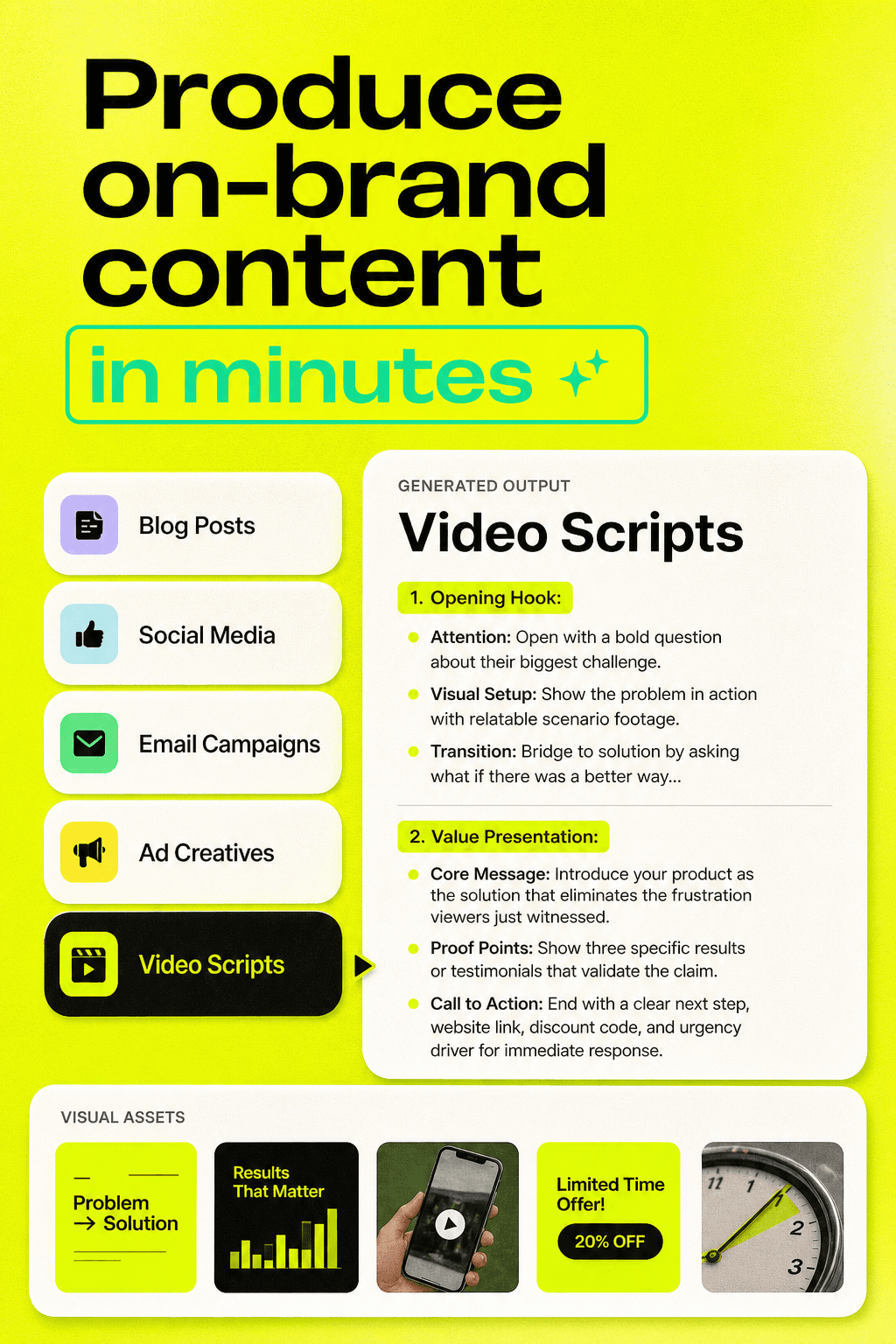
Ever feel like creating content is just a constant game of copy-paste between a dozen apps? Because I definitely do.
I’ll write a blog here, design a graphic there, maybe tweak a video or a voiceover somewhere else… and somehow, it still takes me all day.
AI content tools in 2026 have changed the way I work. I’ve seen them:
→ Draft blog posts, emails, and ad copy in minutes
→ Generate visuals, graphics, and even videos
→ Produce natural-sounding voiceovers
→ Help me plan and run full campaigns without juggling a bunch of apps
Of course, not every tool does the same thing. Some are amazing for writing, some crush it with visuals, some handle research, and a few bring it all together in one smooth workflow.
Here’s a list of the best AI content generators I’ve tried that can handle almost anything and actually save me a ton of time.
Platform | Key Features | Best for | Pricing | Free Plan |
|---|---|---|---|---|
Visual canvas, 50+ AI models, research & scraping, image & video generation, campaign templates, brand Data Room | Agencies, full marketing campaigns | Yes | ||
ChatGPT | Conversational AI, ideation, code & content generation, multimodal | General-purpose writing, research, brainstorming | Free / Plus $20/mo | Yes |
Claude (Anthropic) | Long-context understanding, brand voice consistency, safe outputs, document analysis | Professional writing, brand consistency, reports | Free / Pro ~$20/mo | Yes |
Gemini | Google Workspace integration, fact-checking, multimodal capabilities | SEO blogs, research-backed content, Docs workflow | Free / Paid via Google AI Pro | Yes |
Jasper | Marketing-focused AI, brand memory, templates, SEO tools | Copywriting, sales pages, ad campaigns | Starting $39/mo | No |
Canva Magic Write | AI copy inside Canva, social templates, collaboration | Social media graphics & posts | Free / Pro ~$15/mo | Yes |
Perplexity | AI research engine, real-time citations, summaries | Research, competitor analysis | Free / Pro ~$20/mo | Yes |
Midjourney | Artistic image generation, style control, Discord interface | Creative visuals, concept art | Starting ~$10/mo | No |
Stable Diffusion | Open-source image generation, custom models, style control | Product mockups, AI art | Free (self-hosted) / Paid hosting varies | Yes |
DALL·E | Realistic image generation, ChatGPT integration, image editing | Blog & social media images | Included in ChatGPT paid plans | No |
Runway | AI video editing, background removal, text-to-video, motion tracking | Marketing & short videos | Free / Paid ~$15/mo | Yes |
Sora | Text-to-video, realistic motion, cinematic quality | High-end marketing videos | Varies | No |
ElevenLabs | Realistic voice generation, voice cloning, multilingual | Voiceovers, podcasts, ads | Free / Paid ~$5/mo | Yes |
GitHub Copilot | AI code suggestions, multi-language, IDE integrations | Developers, automating landing pages | $10/mo | No |
Rytr | Budget-friendly AI writer, templates, tone customization | Quick blog drafts, product descriptions | Free / Paid ~$9/mo | Yes |
AI Content Generators for Every Kind of Content
Not all AI tools are created equal.
Some shine at writing, some crush visuals, some handle video or audio, and a few rare ones combine everything in one workflow. Choosing the right tool for the right type of content saves you hours and keeps your campaigns consistent.
Here’s a breakdown of the best AI content generators by content type:
DFIRST AI
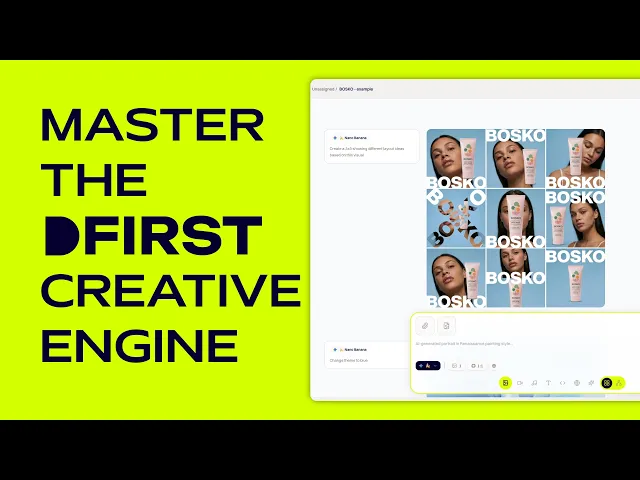
If you’ve ever felt frustrated juggling ten different apps just to launch a marketing campaign, DFIRST AI is a total game-changer. Instead of hopping between tools for research, writing, design, and video, DFIRST lets you do it all on a single visual canvas.
Think of it as building your marketing campaigns like connecting Lego blocks - each block (or “node”) has one job, and together they create a complete workflow.
Why I love it the most:
Most AI tools make you work in isolation. You research here, write there, design somewhere else. DFIRST puts 50+ AI models on a single canvas where they actually talk to each other. You can connect nodes for research, writing, images, videos - everything flows.
Let’s take a deeper look at what DFIRST has to offer:
Feature #1: The Canvas
On DFIRST, everything starts with the canvas. Each node on the canvas does one thing: research, writing, image creation, video generation, or even scraping data from social media. You simply draw lines between nodes to create a workflow.
Example: Connect a research node → a writing node → an image node. The research node pulls insights from competitors, social media, or academic papers, the writing node turns that into copy, and the image node creates visuals that match the content - all without copy-pasting between apps.
Feature #2: Research Built In
DFIRST comes with research capabilities baked in. You can scrape competitor websites, social media posts, and even academic papers. Point a research node at a target, and the AI extracts key messaging, design patterns, and campaign strategies. That data flows straight into your content creation, so every piece you make is informed by market reality, not guesswork.
Feature #3: Creating Marketing Assets
Once research is done, DFIRST helps you create all kinds of assets:
Text nodes write blogs, ad copy, emails, and social posts.
Image nodes generate visuals using DALL-E, Stable Diffusion, Flux, or Ideogram.
Video nodes make short clips with tools like Sora or Luma Video.
The system remembers context, so your images match your copy, and your videos match your campaign style. You can tweak assets, create variations, and generate multiple formats without leaving the platform.
Feature #4: 50+ AI Models
DFIRST doesn’t limit you to one AI. You get access to:
Text Models
Claude – Brand voice and professional copy
GPT – Analysis, drafting, and versatile content
Gemini – Fact-checking and research-driven writing
Grok – Quick content generation
Graphic & Video Models
Sora & Luma Video – Video creation
Stable Diffusion, DALL-E, Flux, Ideogram – Image generation
Pro users get newer models and faster processing. The platform even handles slowdowns or model failures automatically.
Feature #5: Scrapers & Research Tools
DFIRST comes with built-in scrapers for almost every platform:
LinkedIn, Instagram, Facebook, Twitter/X, TikTok, YouTube – Scrape posts, profiles, videos
Website Scraper & Spider Crawler – Pull text and web data
Sitemap Extractor – Collect all pages from a site
And for deeper insights, there are research tools like:
Google Researcher – Pulls search results
Company Researcher & Agent Researcher – Gathers company and market insights
Deep Research – Extracts in-depth trends and patterns
Feature #6: Your Data Room
DFIRST lets you upload brand guidelines, old campaigns, or product documents. The AI learns your brand voice and style so every output stays consistent. And your data is private - it’s never used to train the AI.
Feature #7: Working Space
Each campaign has its own whiteboard. Start with templates or tell the AI what you need. The AI asks clarifying questions, builds the workflow, and remembers everything node by node. Save workflows to reuse later, and nothing gets lost in translation between apps.
Pros & Cons
Pros:
Everything happens in one place
Visual workflow makes complex campaigns manageable
No coding required
Templates save setup time
Context carries through the entire process
Cons:
You need internet or Wi-Fi to use it - no connection, no workflow.
The really powerful features are only on the Pro plan.
ChatGPT
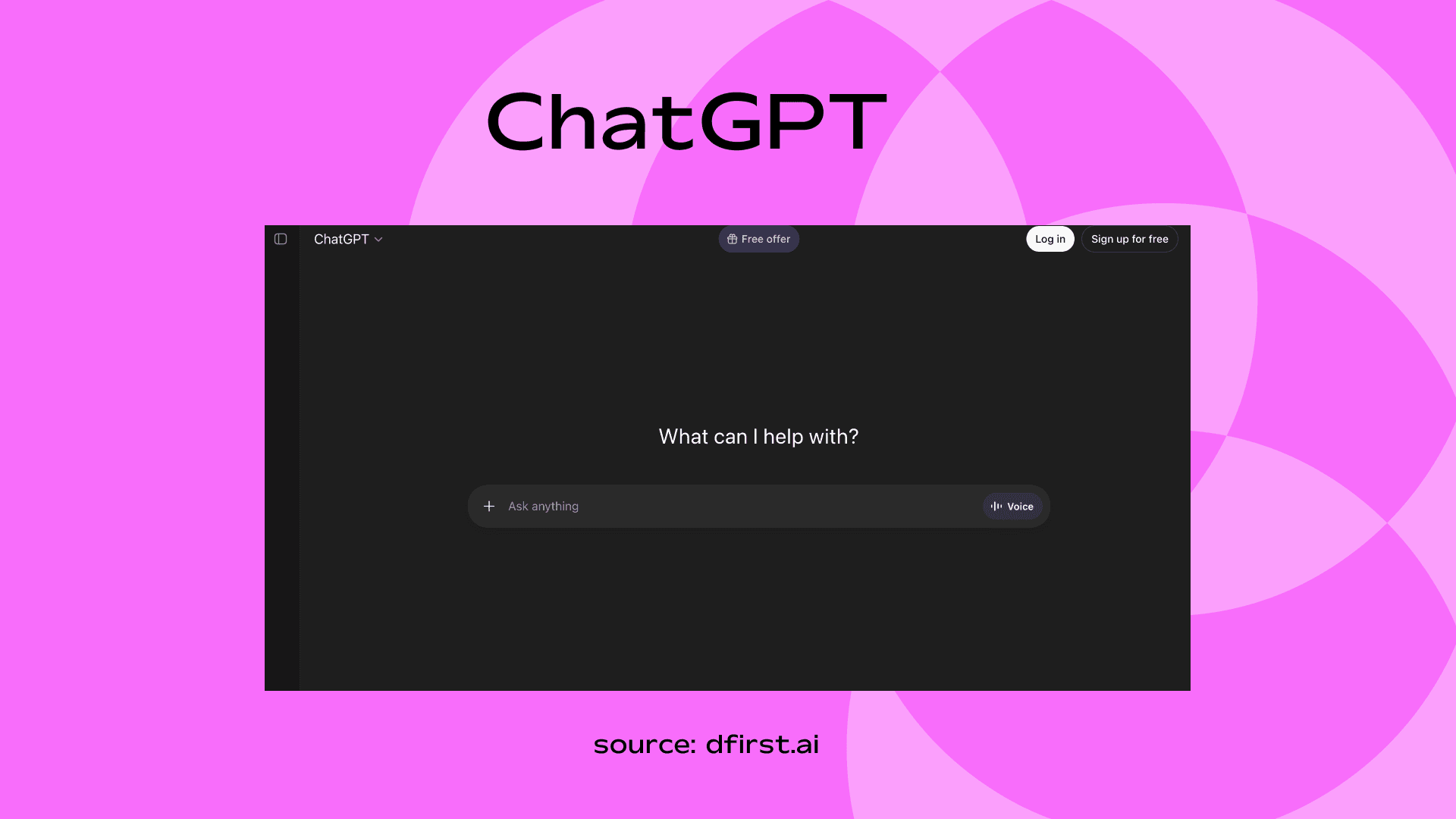
ChatGPT is my go-to when I need ideas or drafts fast. I can type in a prompt and it just… gets it. Sometimes, I just brainstorm with it like a co-writer.
Key Features
Conversational AI for writing and brainstorming
Strong at ideation and structured content
Code generation & analysis
Multimodal support
Use Case / Example
Write blog posts, video scripts, email campaigns, product descriptions.
Pricing
Free plan available
Plus – $20/month
Team & Enterprise plans available
Claude (Anthropic)
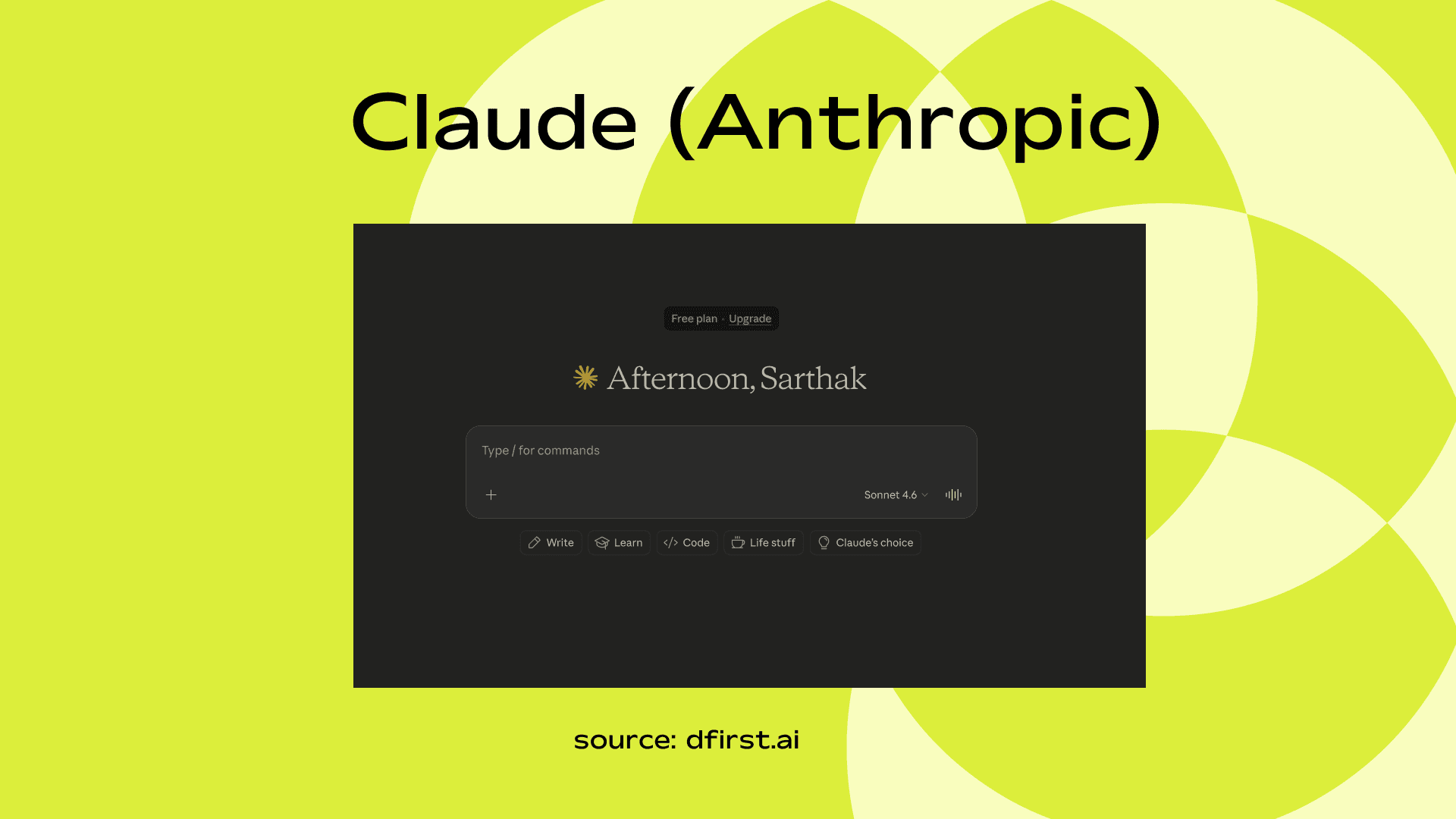
Claude is the one I use when I need structure and privacy. It remembers the context within a project, and I don’t have to repeat myself constantly.
Key Features
Long-context understanding
Strong brand voice consistency
Safer outputs for professional writing
Good document analysis
Use Case / Example
Rewrite brand messaging, analyze PDFs, create detailed reports.
Pricing
Free tier available
Pro – around $20/month
Gemini
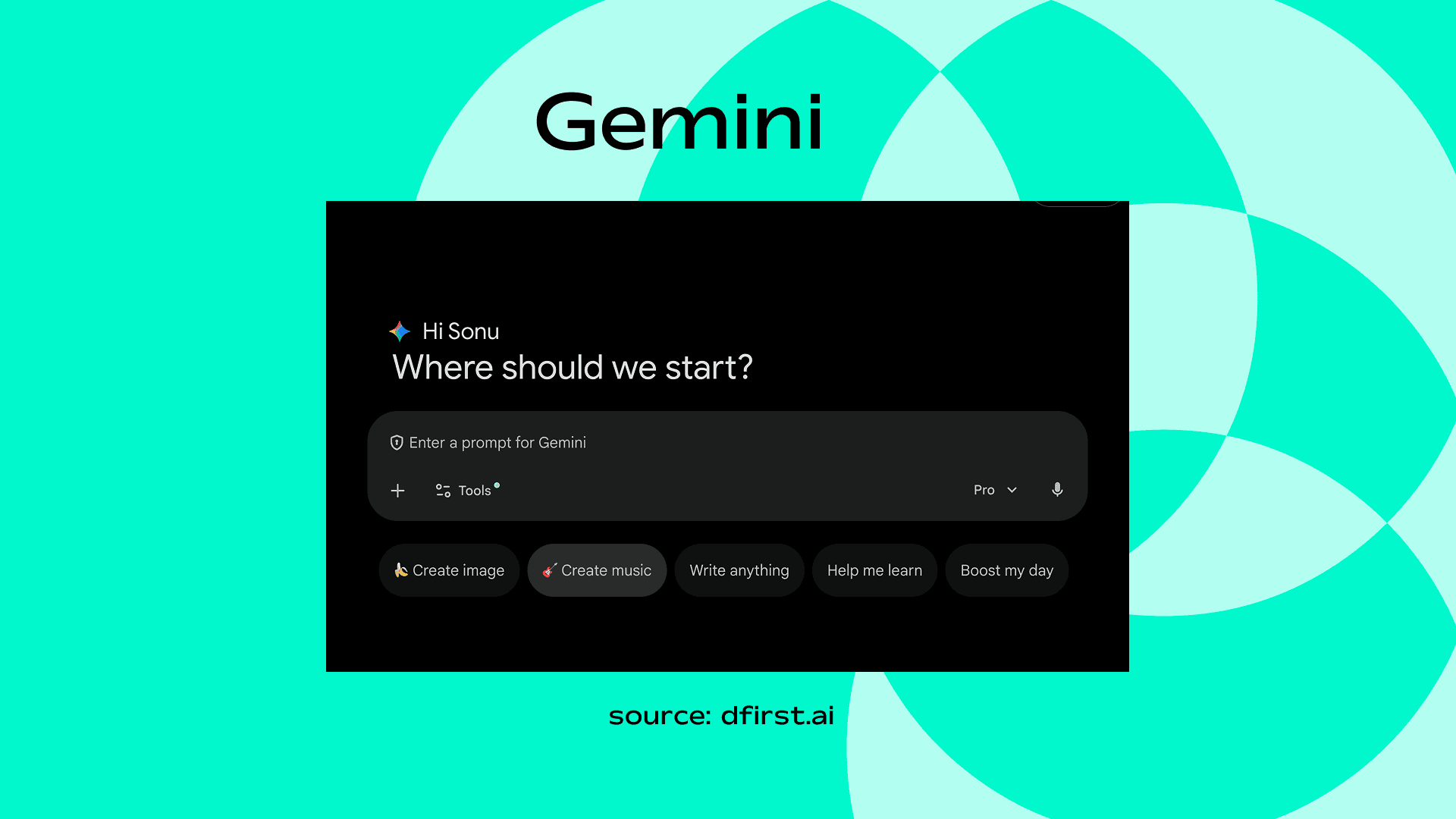
Gemini is perfect for research-backed writing. If I need blog content that’s structured, fact-checked, and SEO-ready, this is my choice.
Key Features
Deep Google ecosystem integration
Fact-checking support
Multimodal capabilities
Works inside Google Workspace
Use Case / Example
Draft blog posts inside Docs, summarize Gmail threads, create slide outlines.
Pricing
Free version
Advanced plan via Google One subscription
Jasper
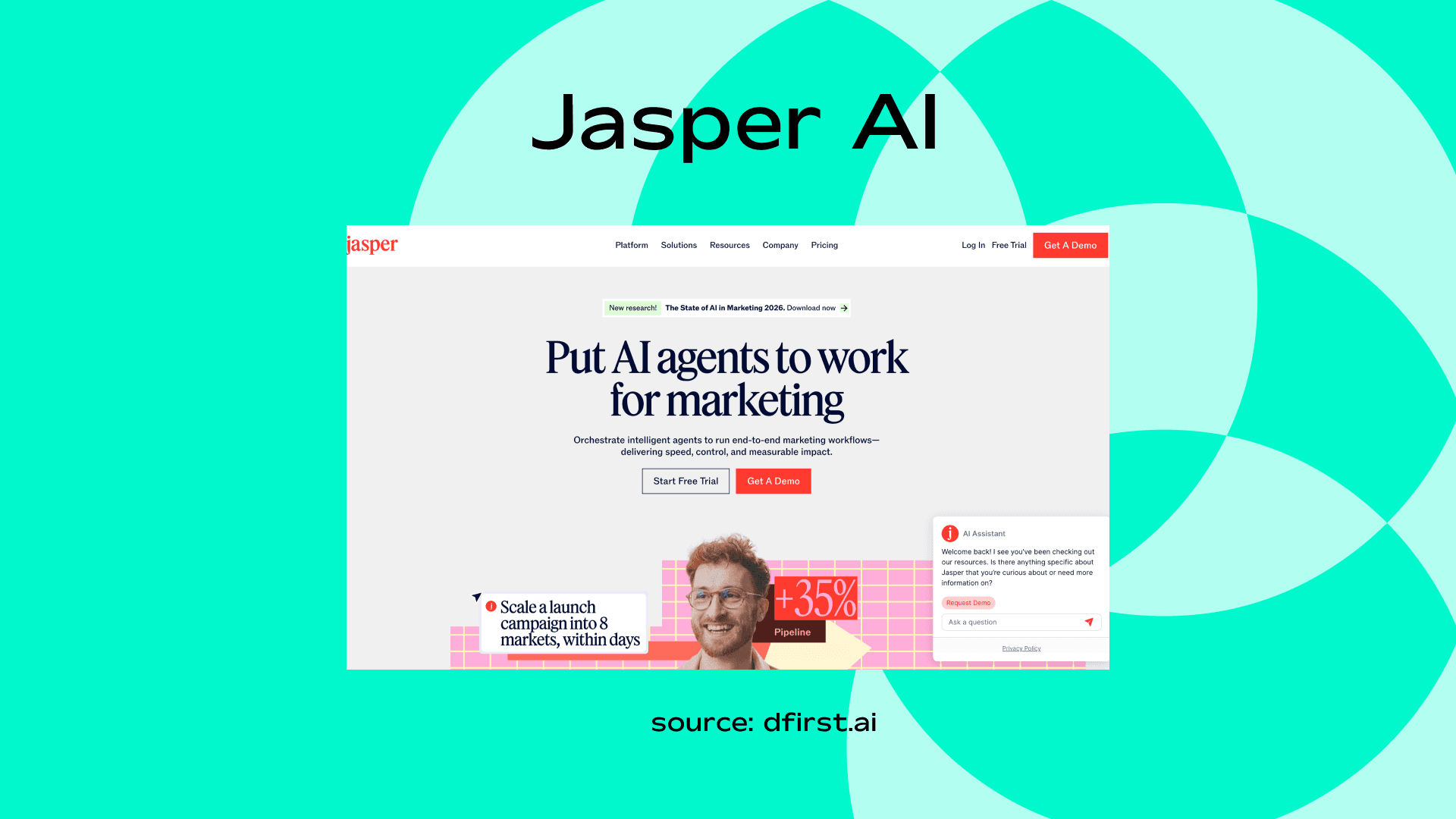
Jasper is my easy-to-use copywriting workhorse. Templates for blogs, social, emails, and ads make it almost effortless to get started.
Key Features
Marketing-focused AI
Brand voice memory
Campaign templates
SEO integrations
Use Case / Example
Generate sales pages, ad copy, landing pages for campaigns.
Pricing
Starts around $39/month
Canva Magic Write
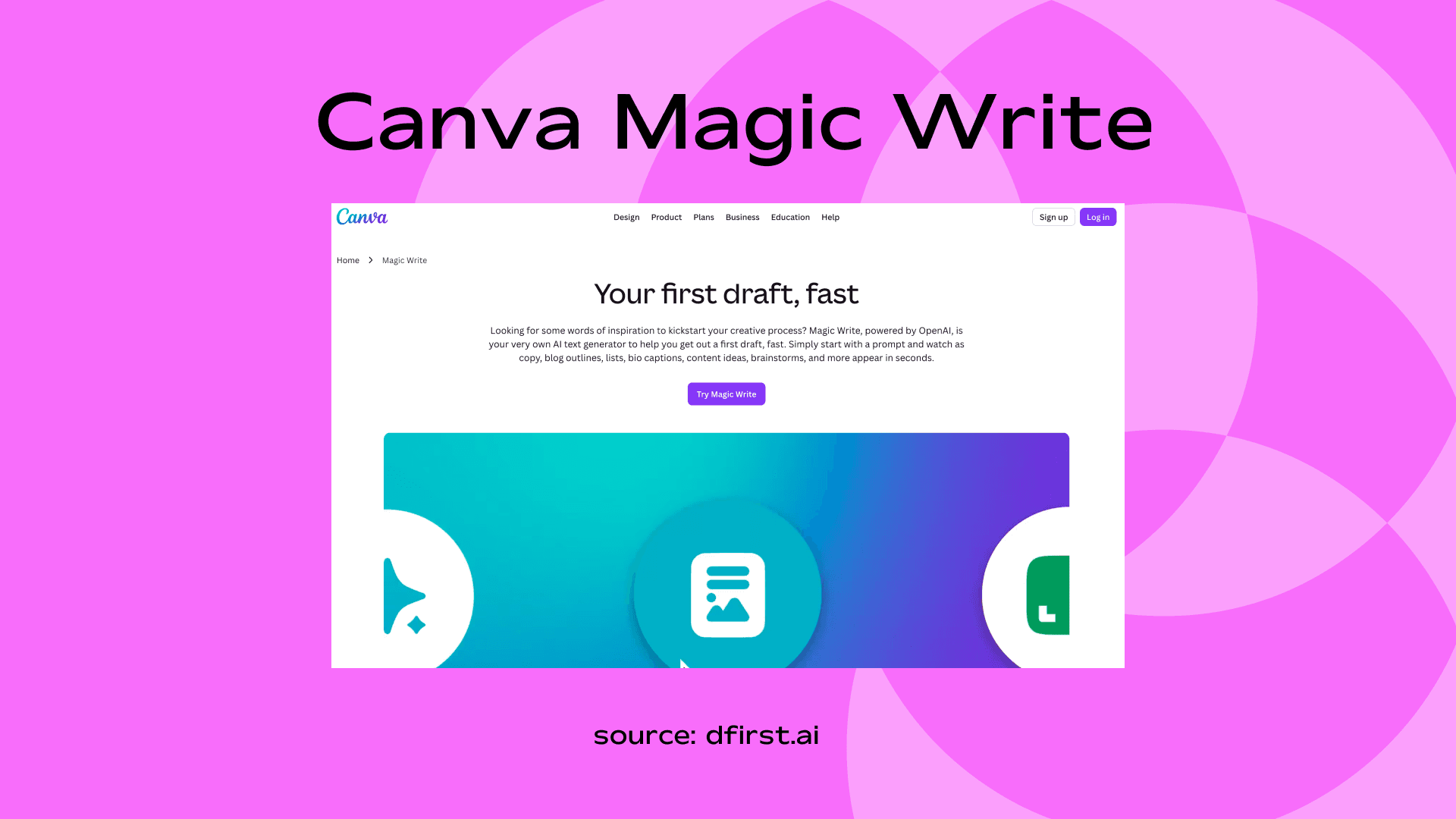
Canva Magic Write is the “creative helper” in my workflow. I usually use it inside Canva to pair text with visuals, making posts look complete in minutes.
Key Features
Built into Canva editor
AI copy inside designs
Social templates
Easy collaboration
Use Case / Example
Create Instagram posts with matching captions and visuals.
Pricing
Free limited plan
Pro – around $15/month
Perplexity
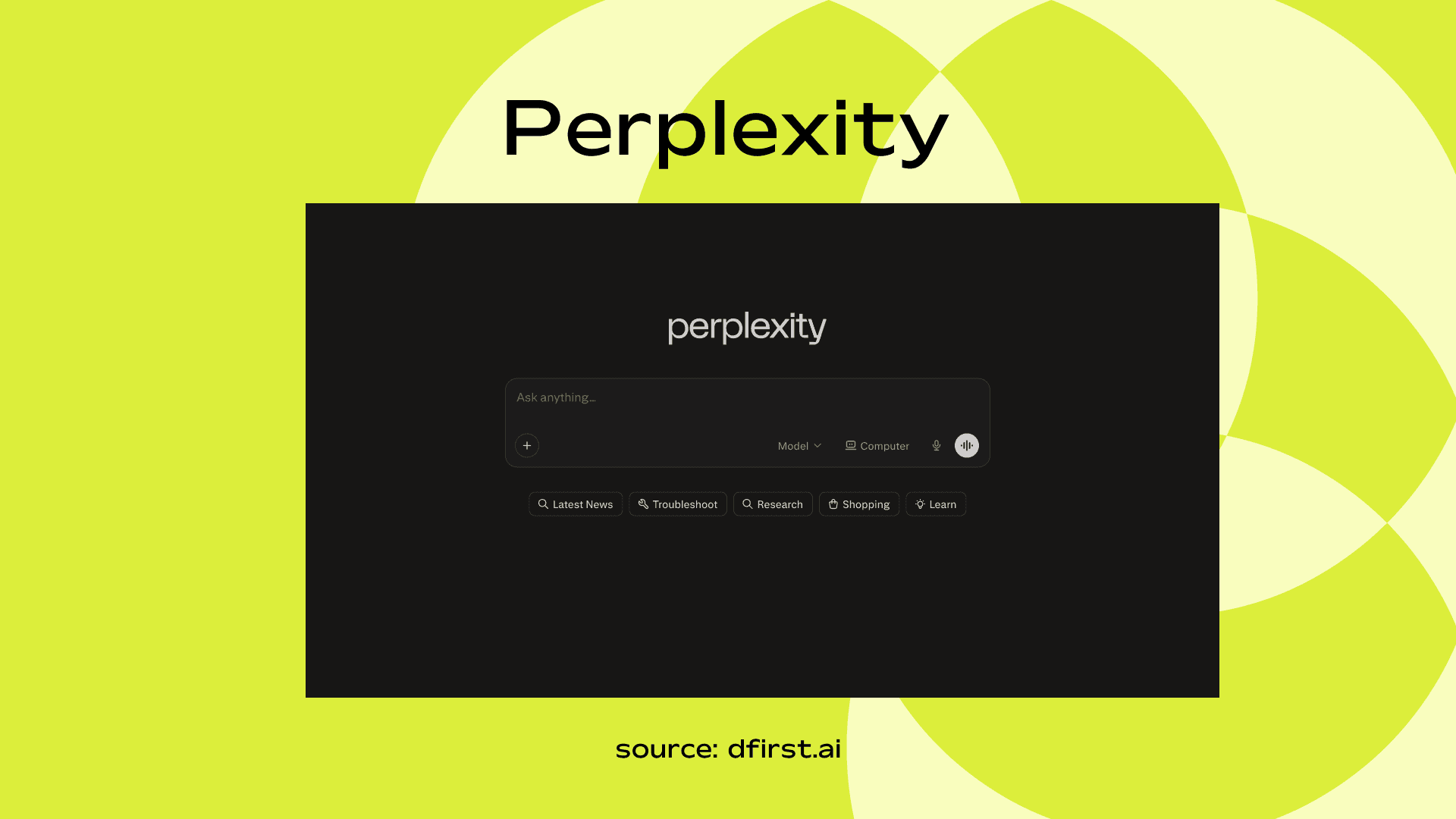
Perplexity is my “research buddy.” It’s not just a writer - it’s a fact-checker and summarizer rolled into one.
Key Features
AI-powered research engine
Real-time web citations
Follow-up questioning
Fast summaries
Use Case / Example
Research competitors or collect sources for a blog post.
Pricing
Free plan
Pro – around $20/month
Midjourney
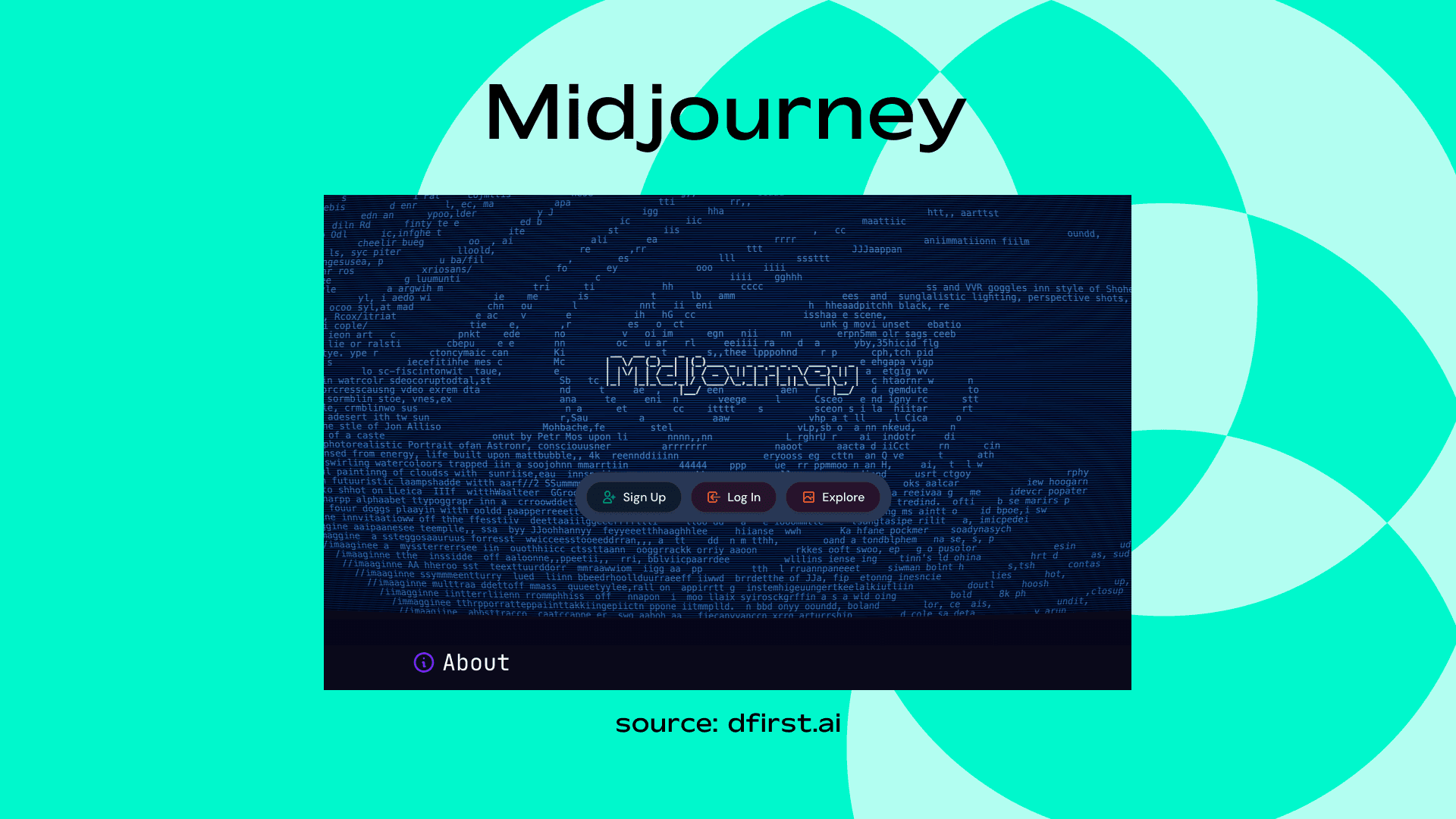
If visuals are your jam, MidJourney is the tool I turn to. It’s like having a designer on demand - except you don’t have to argue about fonts or color palettes.
Key Features
High-quality artistic image generation
Strong style control
Discord-based interface
Use Case / Example
Create brand visuals, concept art, ad creatives.
Pricing
Starts around $10/month
Stable Diffusion
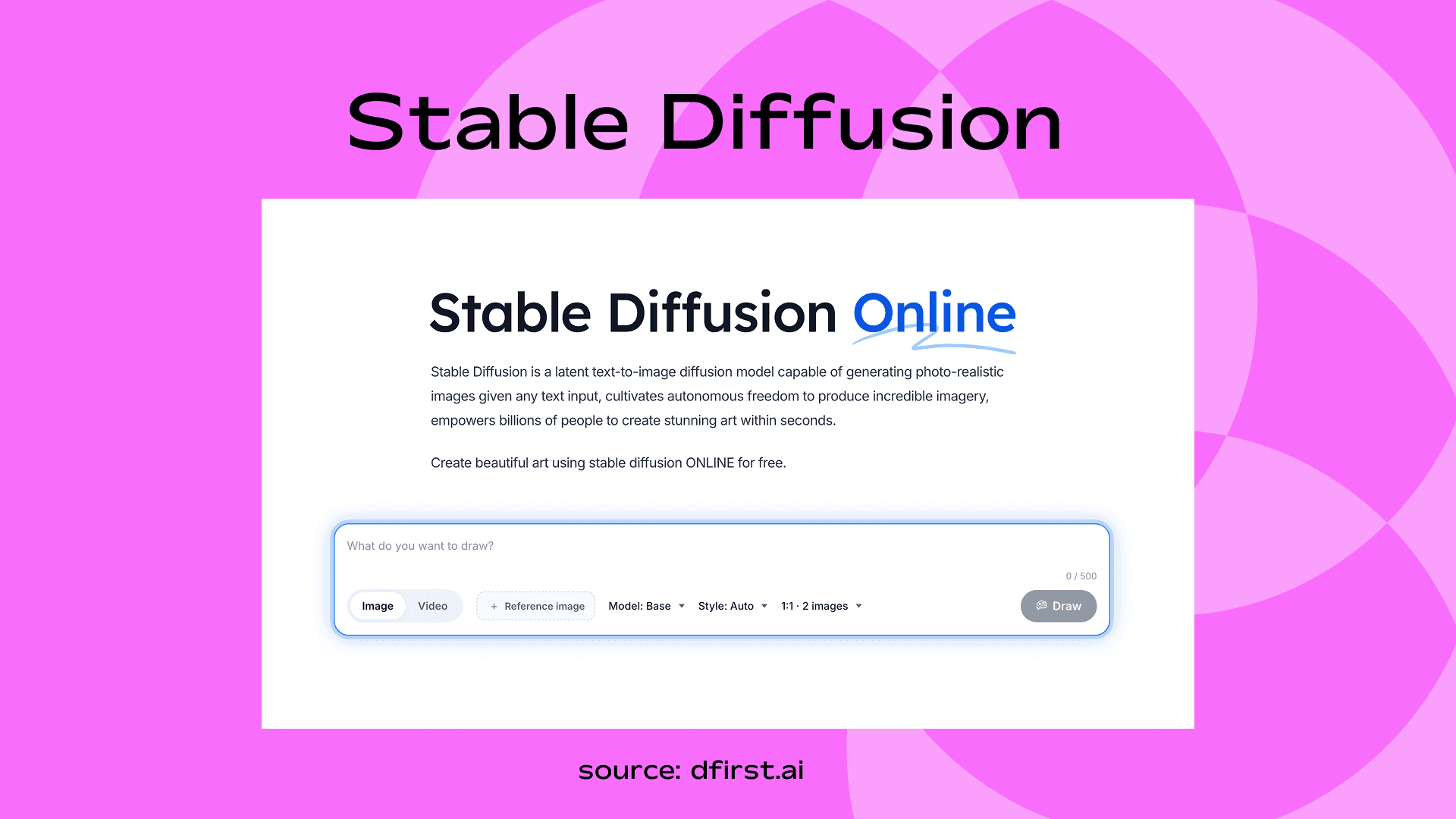
Stable Diffusion is my “experimental” tool. Great for stylized images or creative twists that don’t need to be photorealistic.
Key Features
Open-source image generation
Custom model training
Full style control
Use Case / Example
Create product mockups or custom AI art styles.
Pricing
Free (self-hosted)
Paid hosting varies
DALL·E (OpenAI)
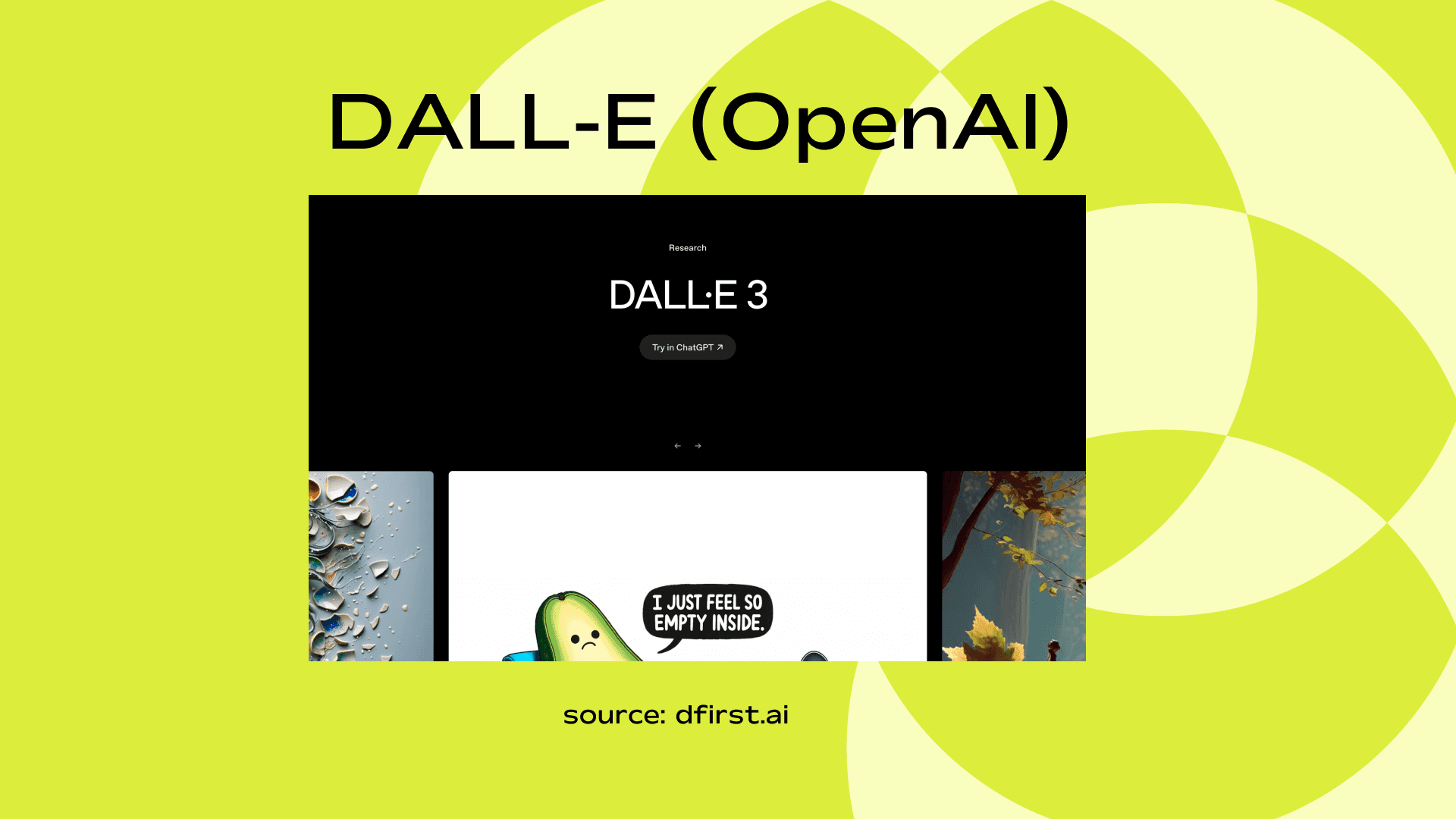
DALL·E is my go-to when I want visuals that match exactly what I imagine - down to the tiniest detail.
Key Features
Realistic image generation
Integrated with ChatGPT
Image editing & variations
Use Case / Example
Generate blog featured images or social media creatives.
Pricing
Included in ChatGPT paid plans
Runway
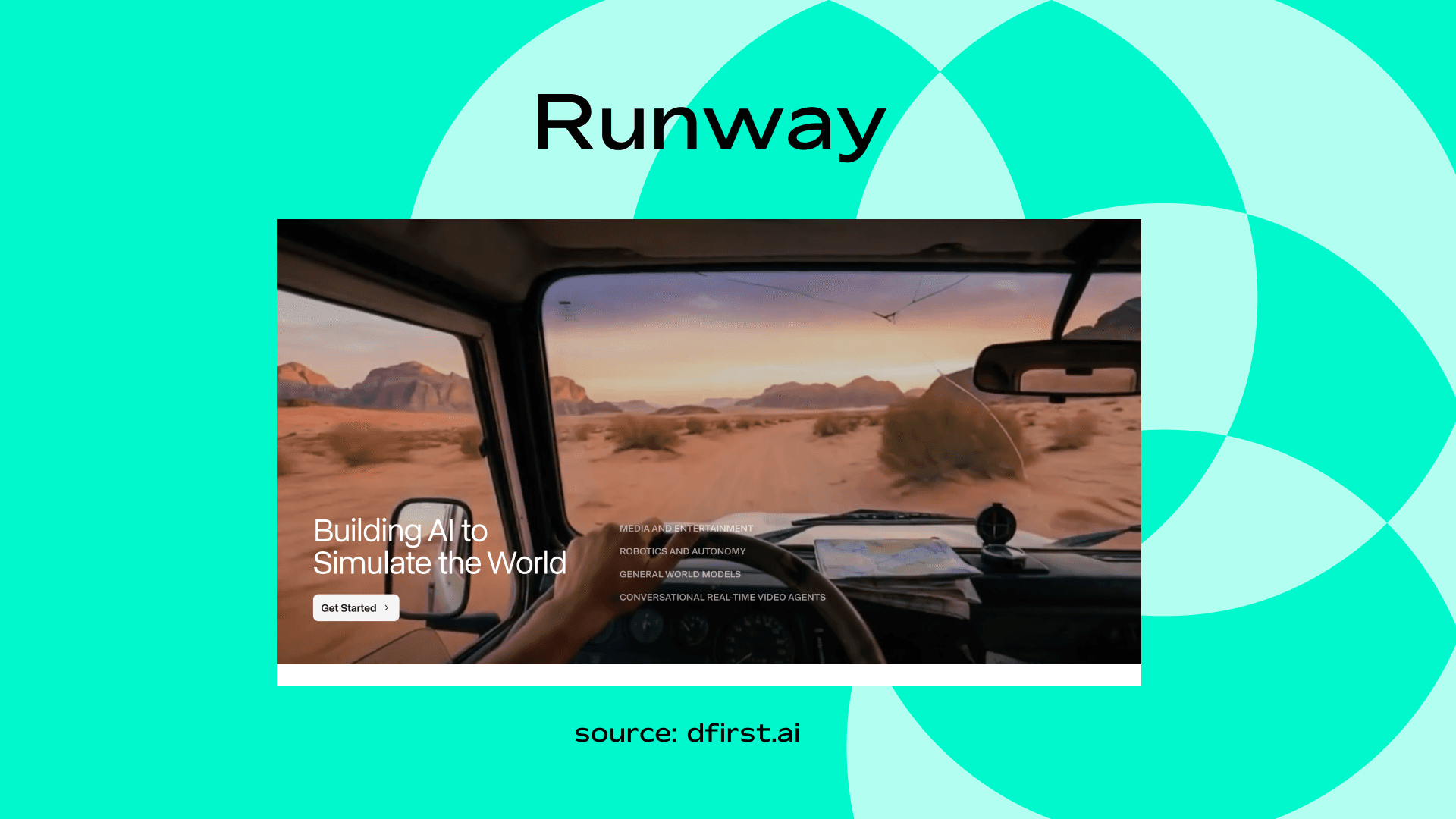
Runway is my “everything else” video tool. It’s amazing for editing, effects, and creative experimentation.
Key Features
AI video editing
Background removal
Text-to-video
Motion tracking
Use Case / Example
Turn scripts into short promotional videos.
Pricing
Free tier
Paid plans start around $15/month
Sora
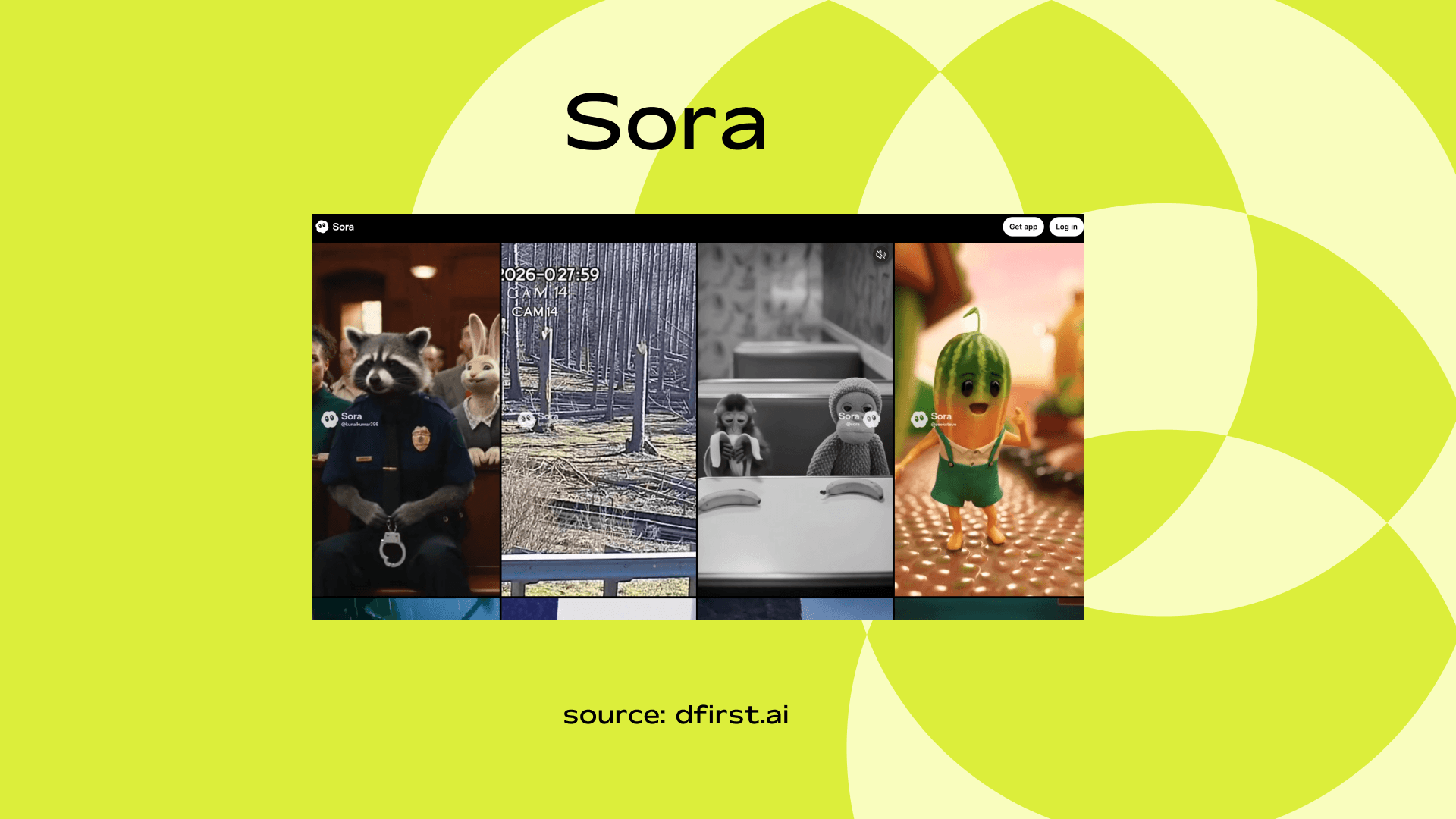
Sora is the tool I use when I need video clips fast. It’s perfect for short-form content like social videos or trailers.
Key Features
Advanced text-to-video generation
Realistic motion rendering
Cinematic quality output
Use Case / Example
Create high-end marketing videos from text prompts.
Pricing
Limited availability (pricing varies)
ElevenLabs
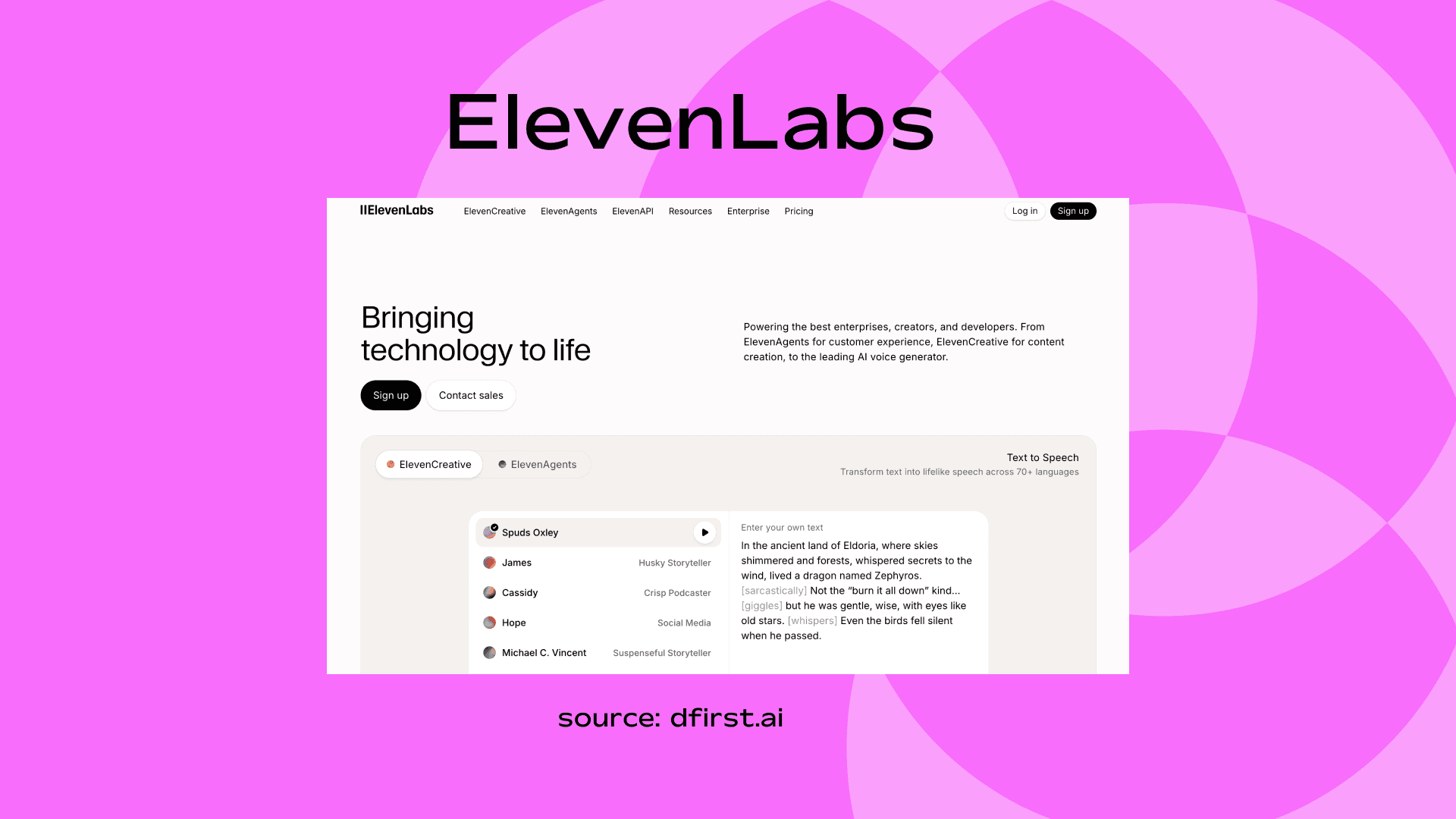
Voiceovers used to take hours. ElevenLabs changed that. Now I can generate natural-sounding audio for narrations, videos, or even interactive content.
Key Features
Ultra-realistic AI voice generation
Voice cloning
Multiple language support
Use Case / Example
Create voiceovers for YouTube videos or ads.
Pricing
Free tier
Paid plans start around $5/month
GitHub Copilot
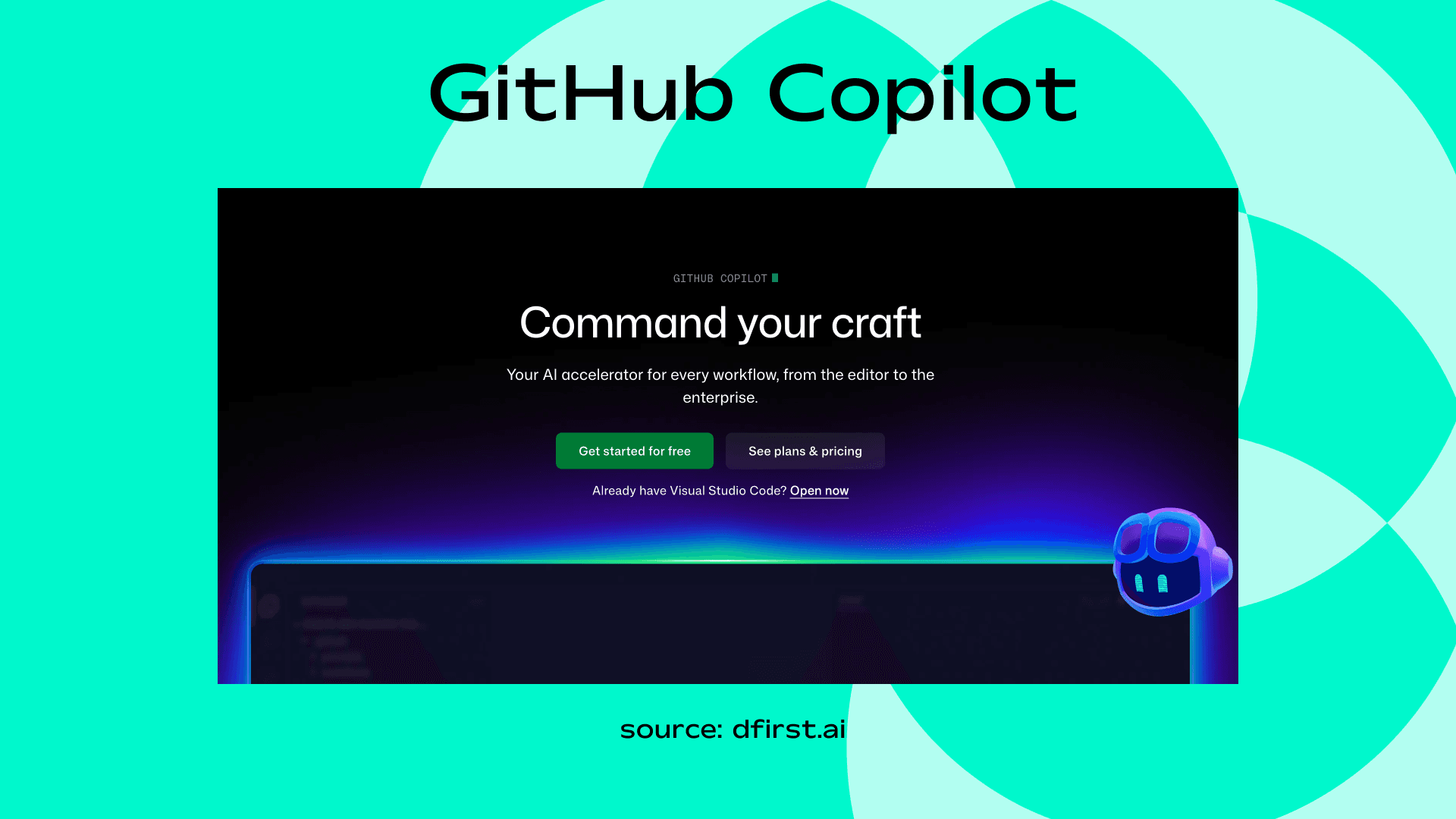
GitHub Copilot has been a total game-changer for me whenever I need to write or debug code. It feels like having a coding partner who never sleeps.
Key Features
AI code suggestions
Real-time programming assistance
Multiple language support
IDE integrations
Use Case / Example
Develop landing pages or automate workflows faster.
Pricing
Around $10/month for individuals
Rytr
Rytr has become my “quick content fixer.” It’s fast, intuitive, and surprisingly human-like for short-form content.
Key Features
Budget-friendly AI writer
Templates for ads, blogs, emails
Tone customization
Use Case / Example
Generate quick blog drafts or product descriptions.
Pricing
Free limited plan
Paid plans start around $9/month
How to Get the Best Output from AI Tools
So, you’ve picked your favorite AI content generators, but here’s the thing: using AI is fun, yet if you just toss in a prompt and expect perfection, you’ll often be let down.
The real secret isn’t finding the “perfect AI”; it’s knowing how to guide it.
1. Be clear and specific
AI responds to the instructions you give it. Instead of saying, “Write a blog about travel,” try “Write a 700-word blog about budget travel in Europe for students, including 3 practical tips and examples.” The more context you give, the better the output.
2. Use examples
Show the AI the style, tone, or structure you like. Want a casual, humorous vibe? Give it a short paragraph you’ve written or a link to a post you love. It will mimic your style much more accurately.
3. Break big tasks into smaller chunks
Don’t ask for a full ebook in one prompt. Start with an outline, then generate sections one by one. It’s faster, easier to edit, and keeps the AI on track.
4. Experiment with multiple tools
Sometimes one AI will nail the intro, another will crush the conclusion, and a third will handle SEO or visuals best. Mix and match - you don’t have to stick to just one tool.
5. Review and tweak
AI is smart, but not perfect. Always proofread, fact-check, and polish. Think of the AI as a collaborator, not a replacement.
6. Keep context in mind
Some tools remember what you’ve told them before; others don’t. Tools like DFIRST AI keep everything connected, which means the AI can refer back to research, previous drafts, or brand guidelines automatically.
With these habits, AI stops feeling like a guessing game and starts feeling like a genuine content partner - one that actually saves you hours instead of creating more work.
Pros and Cons of Using AI for Content Creation
AI can feel pretty magical at times - but it’s not flawless.
After working with these tools for years, here’s my honest take on what really works and what doesn’t:
Pros ✅ | Cons ❌ |
Need a blog, ad copy, or social post? AI can generate a first draft in minutes instead of hours. It’s like having a 24/7 writing assistant. | AI can produce generic or inaccurate content if you don’t give clear prompts. It’s not fully hands-off - you still need to guide it. |
Stuck staring at a blank page? AI gives you ideas, headlines, or even full paragraphs to get started. Sometimes just seeing a starting point sparks creativity. | Without personal touches, content can feel robotic. You’ll need to add personality, anecdotes, or your brand voice to make it engaging. |
AI can summarize articles, pull insights from multiple sources, or even generate product descriptions in bulk. Tasks that used to eat your day suddenly feel easy. | Some AI platforms use your inputs for training. Sensitive information needs careful handling, especially with client projects. |
Writing in another language, creating video scripts, or generating social captions - AI can handle multiple formats and languages, saving time and effort. | Free versions are useful, but the best tools, templates, and integrations usually require paid plans. |
Instead of hiring multiple freelancers for different tasks, a single AI tool can cover writing, visuals, and even research - at a fraction of the cost. | AI can generate content, but it can’t replace human strategy. Planning campaigns, choosing angles, and understanding audience needs still require you. |
How Tech CEOs View the Rise of AI Content Generation
Big tech leaders are excited about AI but also cautious.
They see it as powerful, inevitable, and capable of changing how we work.
Sam Altman (OpenAI CEO)
Altman believes a future where AI produces more content than humans is coming. He calls it a “generational challenge” to build the right structure so humans can work alongside AI. His view is that AI will take over repetitive tasks, but humans will always find new ways to create value.
Bill Gates (Microsoft Co-founder)
Gates describes AI as the “biggest technical thing ever” in his lifetime. He says AI can act as a tutor or virtual assistant to help people learn and work faster. At the same time, he warns that the speed of progress can be a little scary, so we need to approach it carefully.
Mustafa Suleyman (Microsoft AI CEO)
Suleyman predicts that AI will handle routine marketing tasks within 12 to 18 months. He says that soon, creating complex content could become as simple as writing a blog, making high-quality content faster and easier for businesses.
In short, the message from the top is clear: AI is not just a tool. It is changing how we work, create, and compete. The people building this technology want us to think bigger about what we can do with it.
Case Studies: How Brands Are Using AI Content Generators
I’ve gathered a few real-world examples to show how AI can save time, improve results, and still keep content feeling personal and human.
Here they’re:
Casey Botticello’s Blog Project
Casey used AI to generate first drafts for his niche blog.
He didn’t just publish them as-is. Instead, he reviewed, rewrote, and optimized each post. By letting AI handle the heavy lifting and focusing on editing and strategy, he scaled faster without burning out. Today, his site earns over $15K a month. It’s a great reminder that AI works best when humans guide it.
Adore Me’s Product Content
The lingerie brand faced the challenge of writing and translating product descriptions for multiple markets.
What used to take 20 hours per batch now takes 20 minutes with AI. The result was a 40 percent increase in SEO traffic. They combined AI output with careful editing to keep the content consistent and on brand.
Virgin Wines Email Campaigns
Virgin Wines used AI to create personalized email recommendations for wine shoppers.
Each email matched the customer’s preferences, which boosted click rates and conversions. This shows how AI can make content more useful and engaging when applied thoughtfully.
The Original Tamale Company
This small L.A. tamale shop used ChatGPT to write a short, funny Instagram post.
It went viral with 22 million views and brought more customers to the store. AI helped with speed and format, but the brand’s personality made it relatable. Quick content plus human voice equals big impact.
The Washington Post’s AI Assistant
The Washington Post created Heliograf, an AI tool to cover fast-moving news like sports scores and election updates.
It handled the short updates so journalists could focus on deeper reporting. AI didn’t replace humans, it freed them to do better work.
Before You Go
There you have it.
There are so many great AI marketing tools out there. I hope this list has given you a good overview of the tools available to help you with your decision-making process.
Once you've had a chance to research all your options, we'd love to help you connect your favorite tools and build faster campaigns.
That's exactly what DFIRST does—it lets you connect your AI tools on a single canvas to create marketing campaigns faster.
Generate your first flow for free - no credit card required